
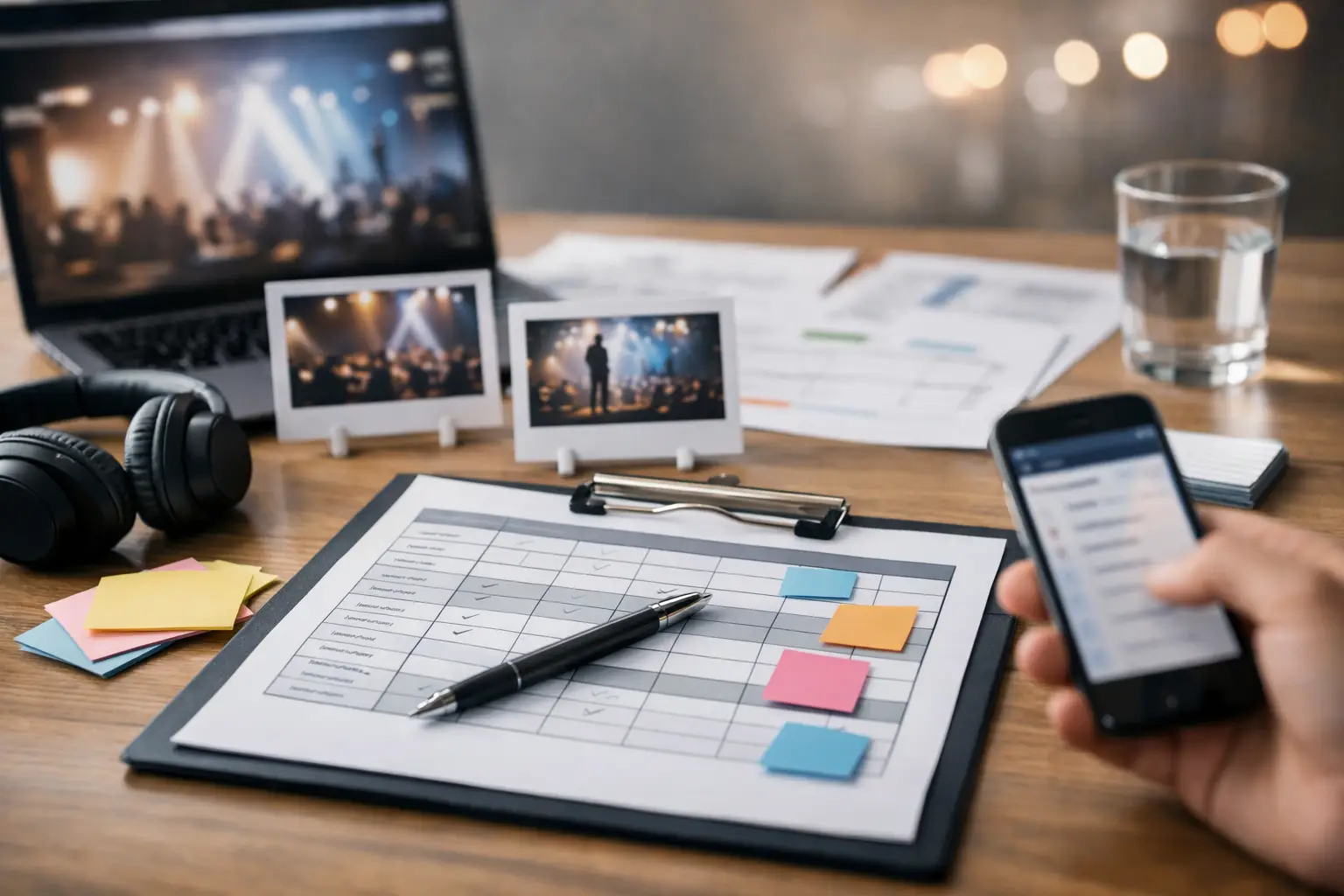
A polished event can look effortless to guests while dozens of decisions are being managed backstage. An event showflow template gives every person involved – from the emcee and AV operator to the registration team and venue manager – one shared view of what happens next, who owns it, and what must be ready before it begins.
For corporate conferences, annual dinners, product launches, and brand experiences, this document is more than a schedule. It is the operating plan for the live show. When it is built well, it protects the guest experience, reduces last-minute questions, and gives the event team room to respond calmly when reality changes.
What an Event Showflow Template Must Do
A showflow translates an event concept into timed, executable actions. A program agenda may tell guests that dinner starts at 7:30 p.m. A showflow tells the banquet team when to hold service, the lighting operator when to shift the room look, the AV team which walk-in music to play, the emcee what to announce, and the stage manager when the next speaker should be standing by.
This distinction matters most when multiple teams are working at once. Corporate events often combine registration, senior leadership, performers, video playback, awards, meal service, photography, and branded moments. Each element may be straightforward on its own. The risk appears in the handoffs between them.
A useful showflow creates clarity around three things: timing, responsibility, and cues. It should also make dependencies visible. If a CEO is delivering a keynote after a launch video, for example, the show caller needs confirmation that the video is loaded, the confidence monitor is working, the lectern microphone is live, and the speaker is in position before the segment begins.
The Core Columns in an Event Showflow Template
The best format depends on the complexity of the production. A smaller staff retreat may need a concise operational schedule, while a gala dinner with live entertainment and awards may require a detailed, minute-by-minute cue sheet. In either case, the same core information should be easy to scan.
Start with the planned time and duration. Timing should include not only the guest-facing segment but also pre-set and reset windows where needed. Next, name the program item in plain language, such as “Guest arrival,” “Opening video,” “Award presentation: Sales Excellence,” or “Dessert service.”
Then add the show cue. This is the instruction that triggers action: lights fade to stage wash, walk-in music out, presenter microphone on, camera to IMAG screen, or doors open for guest entry. Avoid vague notes such as “AV ready.” State the required action and the person or team responsible for it.
A practical event showflow template also includes the following fields:
- Segment owner or point person
- On-stage talent, speaker, or VIP involved
- AV, lighting, sound, video, and staging requirements
- Venue, catering, registration, or security actions
- Standby timing and backstage location
- Notes, approvals, and contingency instructions
These columns may look detailed, but they prevent the same questions from being asked repeatedly on show day. They also make it easier for a producer to identify whether a change affects one department or the whole production.
Keep the guest agenda separate from the crew document
Guests should receive a clean agenda that communicates the experience without production detail. Your showflow is for the operating team. It can include internal contacts, technical notes, reset instructions, security arrangements, and contingency calls that do not belong in a public-facing program.
This separation helps protect clarity. An executive should be able to find their speaking time quickly, while the show caller needs the full chain of actions around that speech. One document rarely serves both audiences equally well.
Build the Showflow From the Experience Backward
A common mistake is starting with a list of activities and assigning times around them. A stronger approach begins with the experience you want guests to have. Consider the opening feeling, the energy changes across the program, the moments that require attention, and the final impression people will carry out of the room.
For a product launch, the reveal may be the central peak. The arrival sequence, holding visuals, host introduction, launch film, lighting transition, and product demonstration should all build toward that moment. For an annual dinner, the rhythm may need to balance recognition, food service, entertainment, and social interaction so guests remain engaged without feeling rushed.
Once the guest journey is clear, work backward into operational requirements. If doors open at 6:30 p.m., determine when registration needs to be fully tested, when background music begins, when photo-taking areas are staffed, and when the guest-flow team takes their positions. If the program begins at 7:30 p.m., set a realistic point for final speaker briefing, AV line check, and crew readiness.
Do not treat buffer time as wasted time. A tight showflow can look efficient on paper but become fragile on site. Build controlled flexibility around arrivals, meals, speaker transitions, technical resets, and award collections. The right amount varies by event. A fast-paced conference may need disciplined transitions, while a dinner program may need more allowance for service and guest movement.
Define Cues That Can Be Called Clearly
A cue should be specific enough that a crew member can act without interpretation. “Prepare stage” leaves too much open. “At emcee line ‘Please welcome,’ bring stage wash to 80%, play walk-on track, open center stage entrance, and take Camera 1 live” gives each department a clear instruction.
For high-stakes segments, use standby calls before the cue. A typical sequence might read: “Standby AV for opening video, lights for blackout, emcee at stage left, and doors team.” Once every department confirms readiness, the show caller gives the GO.
This process may feel formal for a small event, but its value is highest when timing is visible to guests. Video playback, live performers, awards, drone light shows, and executive presentations all benefit from a single person coordinating the call. Without that control point, teams can act too early, too late, or based on different assumptions.
Write for the people using the document
The showflow must be readable under pressure. Use consistent terms, clear time formatting, and concise instructions. Avoid burying critical cues in long paragraphs. Color coding can help distinguish program items, technical cues, catering actions, and guest-flow requirements, but do not rely on color alone. A printed copy in low light should still make sense.
Version control is equally important. Label every draft with a version number, date, and issue time. When the schedule changes, communicate what changed and who is affected. Sending multiple unnamed files is one of the fastest ways to create show-day confusion.
Plan for What May Change
No event showflow template can eliminate uncertainty. A VIP may arrive late, a presenter may exceed their allocated time, a flight delay may affect a performer, or a venue access restriction may shift setup. Good planning does not assume these issues will never happen. It sets decision paths before they do.
For each critical segment, identify the likely risk and the response. If a speaker is delayed, can the emcee move to a short audience interaction or bring forward a video? If dinner service is running behind, can an award category be held until tables are cleared? If a video fails, does the speaker have a live version of the message ready?
Contingencies should be practical, not dramatic. The point is to give the event lead authority to make a measured call without stopping the program to debate options. Include decision owners where appropriate, especially where executive protocol, brand messaging, or safety is involved.
Rehearse the Handoffs, Not Just the Stage Moments
A rehearsal is not only for speakers. It is where the production team tests the transitions that guests may never notice but will immediately feel if they go wrong. Walk through registration opening, VIP arrival, entrances, presentation changes, video playback, award collections, meal service coordination, and event close.
During rehearsal, confirm physical movement as well as technical cues. Where does each speaker wait? Which route do award recipients take to the stage? Who resets the lectern? When can catering move through the room without interrupting a key moment? These details are often what separate a program that feels controlled from one that feels improvised.
For complex events, the final showflow should be reviewed with venue operations, AV production, staging, catering, talent management, security, and the client lead. Each team sees different risks. Bringing those perspectives together early is often where the most valuable refinements happen.
Turn the Template Into Show-Day Control
On the day, the showflow should be a live working document, not a file that was approved weeks ago and forgotten. The producer or show caller tracks actual timing, notes changes, and communicates any necessary adjustments to affected teams. A delay of five minutes may be manageable. A delay that is not shared can affect catering, transport, talent call times, venue access, and guest expectations.
Teamup Event approaches showflow as part of the wider production plan: creative intent on one side, disciplined execution on the other. That means aligning the program with staging, sound, lighting, guest flow, vendor movements, and the people responsible for making each moment happen.
A thoughtful showflow does not make an event feel scripted. It gives the team enough structure to protect the moments that matter, while leaving space to respond with confidence when the room, the audience, or the schedule asks for a change.